
Which of the Following Is Not a Stage of Website Development? Clearing Confusion with WordPress
Website development can feel like a maze, especially for small business owners and entrepreneurs taking the plunge into their online journey. Where do you start? What processes are involved? And most importantly, what’s fluff and what’s fact? This guide isn’t just about breaking down myths but also empowering you with actionable WordPress insights. WordPress powers over 43% of the web and offers groundbreaking tools like Gutenberg, Full Site Editing (FSE), WooCommerce, and APIs to make your site not just functional, but a legitimate revenue-driving machine. Let’s not only demystify website development stages but also help you maximize WordPress’s real potential.
Why WordPress Should Be Your Go-To Platform
Your website isn’t just another business accessory—it’s your digital salesperson, branding tool, and customer resource rolled into one. WordPress has made website creation accessible, not just for tech-savvy developers but for everyday business owners as well. It simplifies complex functionalities through tools like drag-and-drop editors, extendable plugins, and SEO-optimized themes, making it the top choice for businesses ranging from solo startups to midsize enterprises.
The ecosystem is more powerful than ever, thanks to innovative features like:
| Feature | Why It Matters |
|---|---|
| Gutenberg Editor | Drag-and-drop editing eliminates the need for coding knowledge. |
| Full Site Editing (FSE) | Total control over all design elements—from headers to footers. |
| WooCommerce | A robust solution tailored to eCommerce needs, from storefront management to analytics. |
| API Integrations | Seamlessly connect your site to third-party CRMs, ERPs, and marketing tools. |
Breaking Down the Stages of Website Development
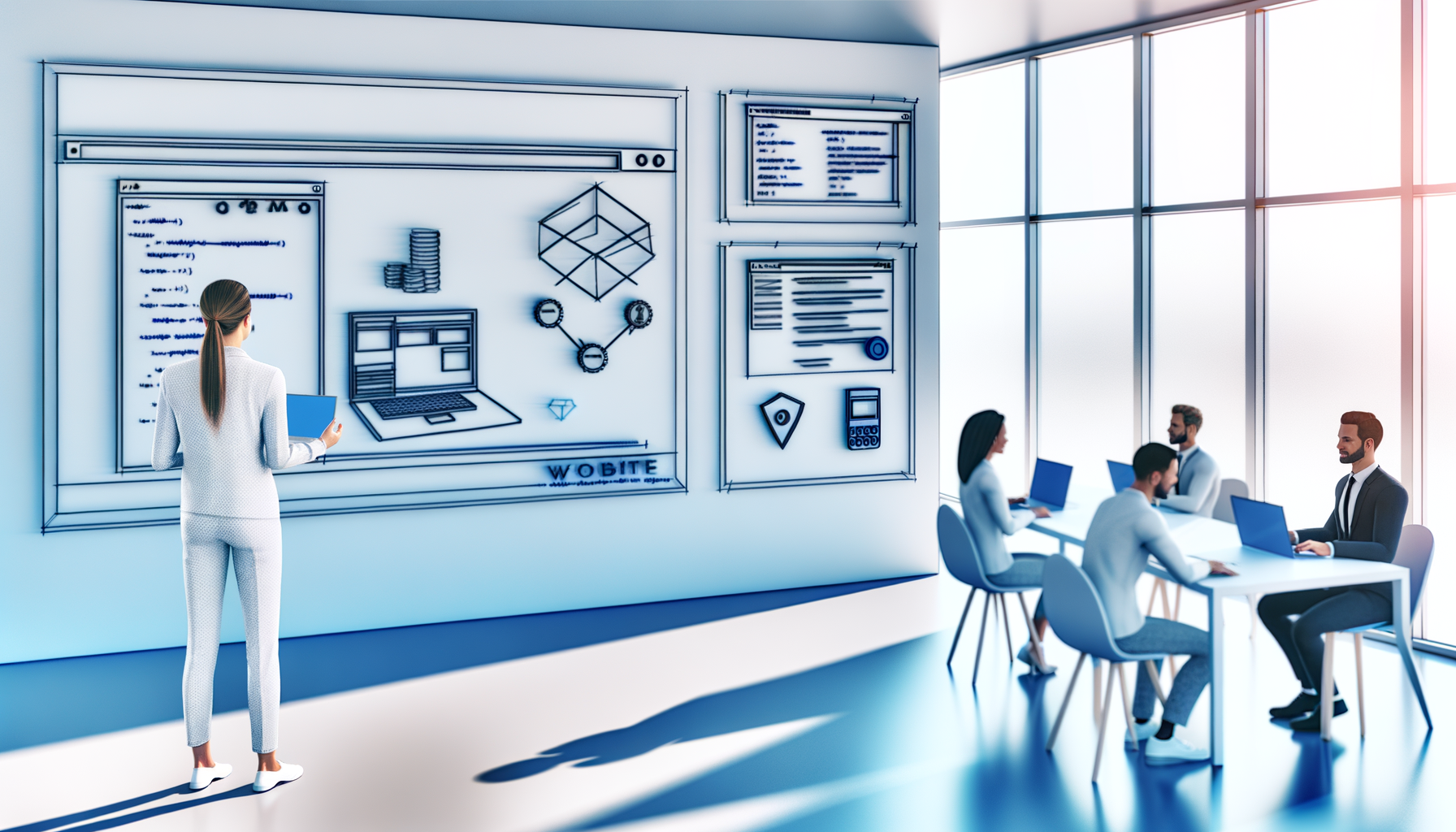
Before diving into website creation, it’s crucial to understand the development lifecycle. While WordPress offers tools to simplify most processes, the development stages remain consistent:
- Planning: Define your site’s goals, target audience, and primary functionalities. Begin with a sitemap and a wireframe to visualize your structure.
- Design: This stage focuses on user experience (UX) and aesthetic design. WordPress themes like Astra and GeneratePress can serve as a foundation for building stunning designs aligned with your brand identity.
- Development: Here’s where WordPress shines by reducing the complexity of coding. Leverage plugins, Gutenberg block editor, or even custom-built elements using tools like React and JavaScript.
- Testing: Test everything—your images, forms, speed, and functionality. Look for browser and device compatibility to ensure a consistent user experience.
- Launch: Once testing is complete, it’s time to deploy! Execute your go-live strategy with backups in place.
- Maintenance: Websites are dynamic and need periodic updates. From updating plugins like WooCommerce to integrating new APIs seamlessly, maintaining your site enhances both performance and functionality.
Pro Tip: Documentation isn’t just a preparatory step. Properly documenting your objectives and changes helps streamline the development and maintenance stages later.
Gutenberg Editor and Full Site Editing Simplified
The Gutenberg block editor has changed the game for WordPress users. No longer do you need to wrestle with rigid coding or clunky layouts. Its fluid drag-and-drop feature simplifies complex tasks—such as adding contact forms, embedding YouTube videos, or inserting call-to-action banners—into manageable blocks. The beauty of this editor lies in its accessibility: even non-tech-savvy users find it straightforward.
Unlocking Full Potential with Full Site Editing (FSE)
Moving beyond page-level edits, Full Site Editing gives business owners complete control of their WordPress site. Modify site-wide settings, style themes, or restructure layouts without leaving WordPress’s dashboard. Whether you want to tweak your navigation menu or revamp footer widgets, FSE ensures design uniformity across your site.
Gutenberg Tip: Use reusable blocks for recurring elements like promotional banners, testimonials, or product highlights. It saves time and ensures consistency.
Taking Your Site to the Next Level with React and JavaScript
Advanced interactivity is where websites shine. JavaScript, combined with the React framework, powers many modern WordPress functionalities. React makes it possible to create dynamic experiences, like real-time product filtering, live booking forms, or interactive user dashboards.
Integrating such features on your website can take user engagement to the next level, which directly translates into improved conversion rates. By incorporating JavaScript into your WordPress build, you can create features that offer app-like seamlessness for better user experience.
But beware: tackling these advanced functions requires a skilled WordPress developer who knows how to architect a well-thought-out system for your website. Hiring the right professional ensures not only innovation but scalability for your business.
Boosting Your E-Commerce Game with WooCommerce
If online selling is part of your business plan, WooCommerce is more than just a plugin—it’s your secret weapon. Offering unmatched flexibility, WooCommerce integrates effortlessly with WordPress while opening up a wealth of customization options.
With WooCommerce, you can create bespoke shopping experiences with features such as:
| Key Feature | Benefits for Business |
|---|---|
| Product Variations | Sell multiple versions of a single product (sizes, colors, etc.) with ease. |
| Payment Gateways | Streamline checkouts using globally trusted payment options like Stripe and PayPal. |
| Marketing Integrations | Link your store to email marketing platforms for better customer outreach. |
| Dynamic Pricing | Offer discounts, upsells, or unique pricing rules to boost sales revenue. |
Integrating APIs with WooCommerce is a great way to integrate features like inventory management tools or shipping platforms.
When to Bring in a WordPress Developer
While user-friendly features like FSE and drag-and-drop editors make WordPress accessible to non-developers, certain functionalities call for professional expertise. Wondering if it’s time to hire a developer? Check for these telltale signs:
- Your website needs custom plugins or intricate third-party integrations that exceed DIY capabilities.
- Your traffic is growing but your site speed or uptime becomes unreliable.
- Advanced features like real-time filtering or built-in analytics dashboards feel overwhelming to implement.
- You want a unique edge, such as React-built elements or tailored WooCommerce customizations, to stand apart in your niche.
Investing in an experienced WordPress developer can elevate your website from ‘good’ to ‘jaw-dropping’. This doesn’t just apply to aesthetics but also covers scaling infrastructure, resolving technical challenges, and optimizing the end-user experience.
Actionable WordPress Tips to Stay Ahead
Looking to boost your WordPress website performance? Here are some immediately actionable tips:
- Prioritize Speed: A fast-loading page improves user experience and potentially search rankings. Use tools like WP Rocket for caching and ShortPixel for compressing images.
- Be Mobile-First: Choose themes with built-in responsiveness and thoroughly test how your website functions on handheld devices.
- SEO Optimization: Add Yoast SEO or Rank Math to optimize your metadata, content, and crawlability.
- Enhance Security: Use security plugins like Wordfence and monitor vulnerabilities regularly.
- Backup Smartly: Sometimes a plugin update goes wrong or servers crash. Having backups with tools like UpdraftPlus ensures business continuity.
Partner with Maheen Fatima for Bespoke WordPress Solutions
Building a WordPress site can seem daunting if you’re trying to do it all yourself. But what if you had a trusted partner to guide you through the maze? That’s where Maheen Fatima comes in. A seasoned WordPress developer with years of experience, she transforms your vision into highly functional and visually stunning websites.
From integrating React for dynamic on-screen interactivity to fine-tuning a WooCommerce store that skyrockets your conversions, Maheen tailors her approach to hit your specific business goals. Beyond coding, her keen aesthetic sense ensures your site reflects the professionalism your brand deserves. So why wait? Let’s bring your dream website to life today.



Leave a Reply